CNC with DIY 24h Monitoring System Part 2/2

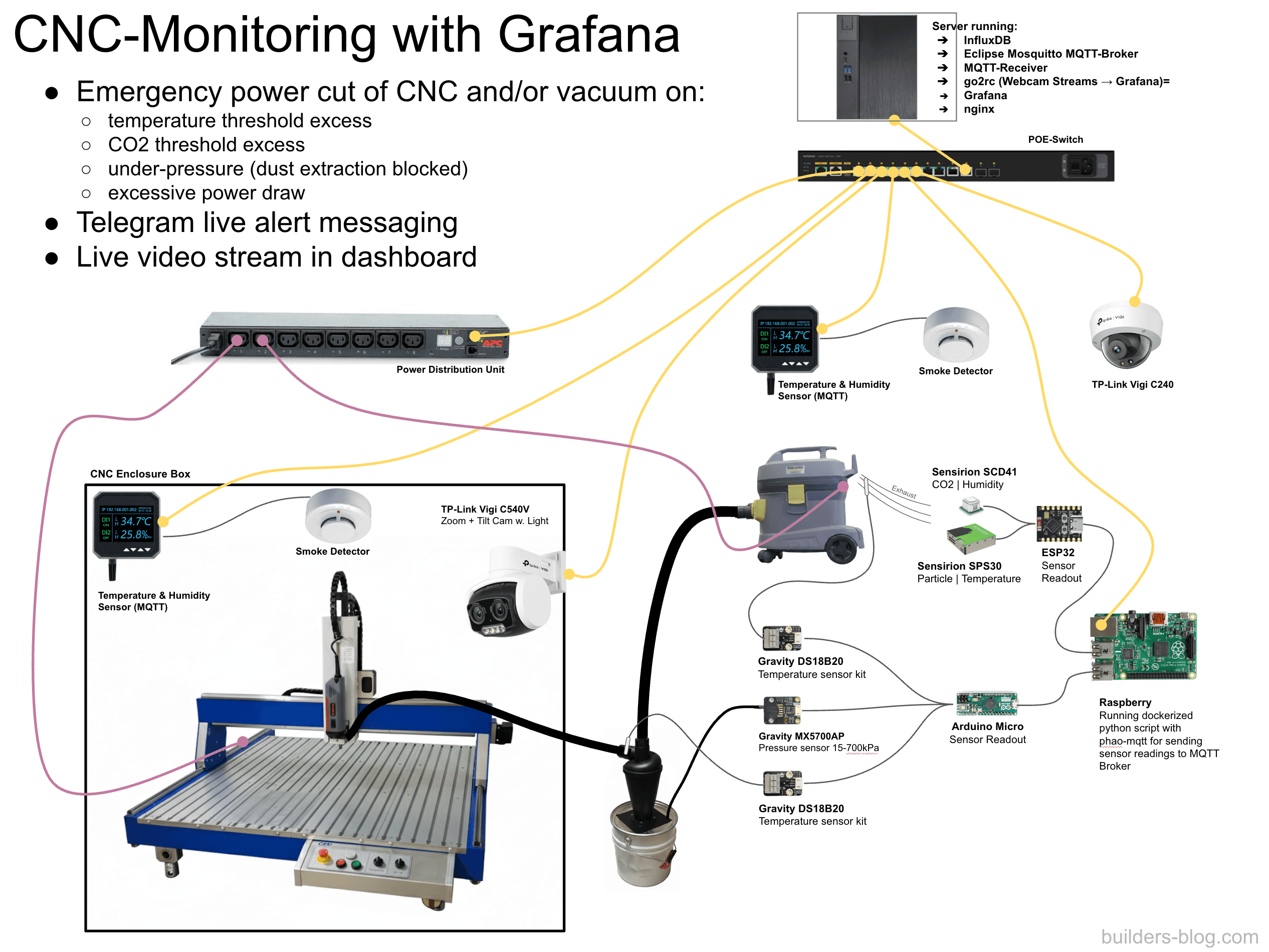
It's close to impossible to constantly supervise your CNC-machine on jobs stretching multiple hours. An additional issue for me is that the CNC is in the basement compartment of our city apartment, about 30-seconds-running away from our living room. At the end of part 1 I showed an example of how easy things can go south. The described incident was the reason for the monitoring system presented here.
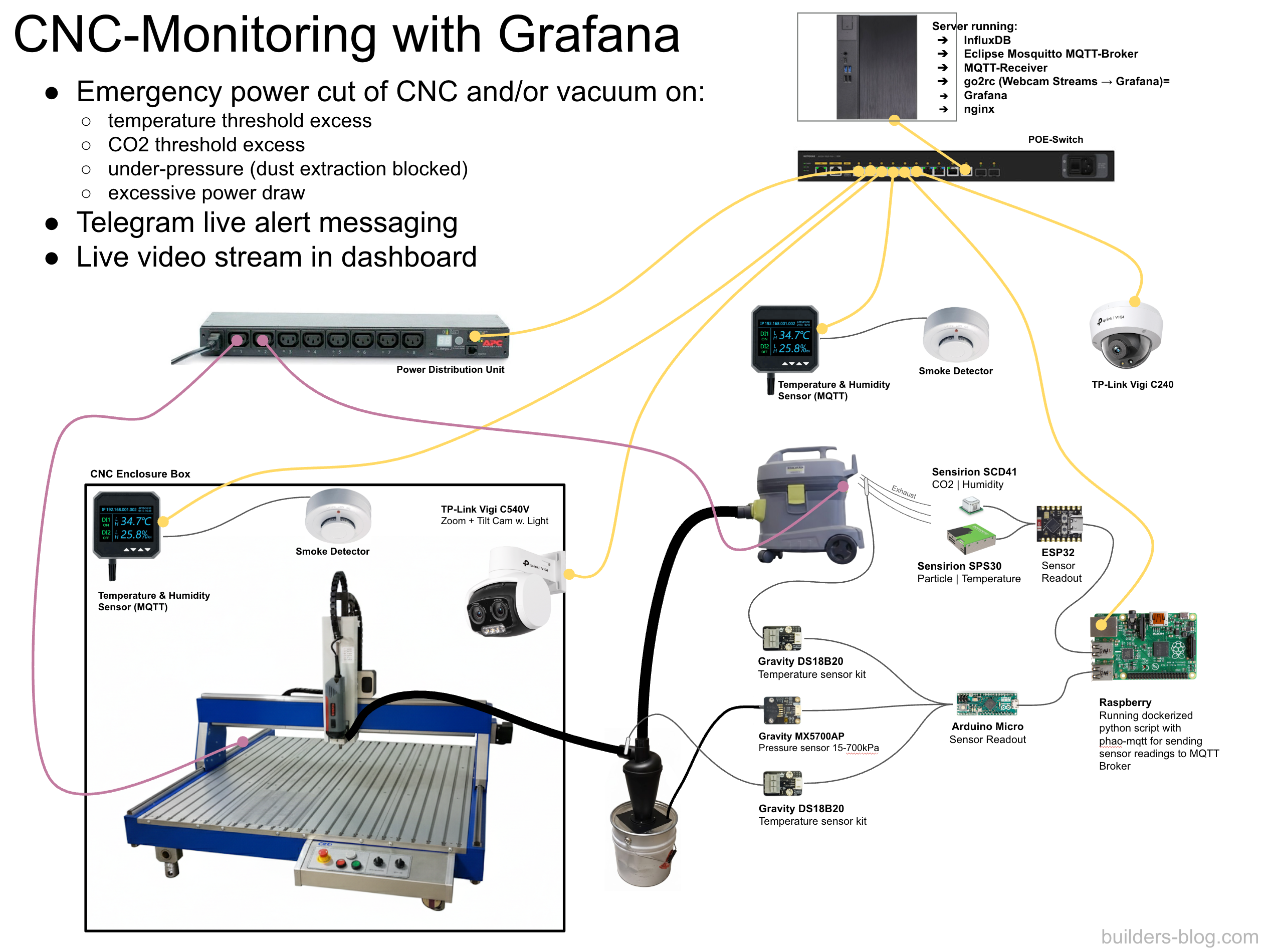
There are a bunch of sensors (see picture below) that, once every second, send their readings through the MQTT protocol to a message broker (Mosquitto). The message broker then buffers and forwards these messages to an MQTT-receiver, which is basically a python script that unifies differently formatted MQTT messages and writes them to a time-series database (Influx DB) which grows only about 240 MB per month.
Once in the InfluxDB database we can use Grafana to more or less real time (~1s delay) monitor the sensor readings with different graphs. This is version 1 of the dashboard I build:
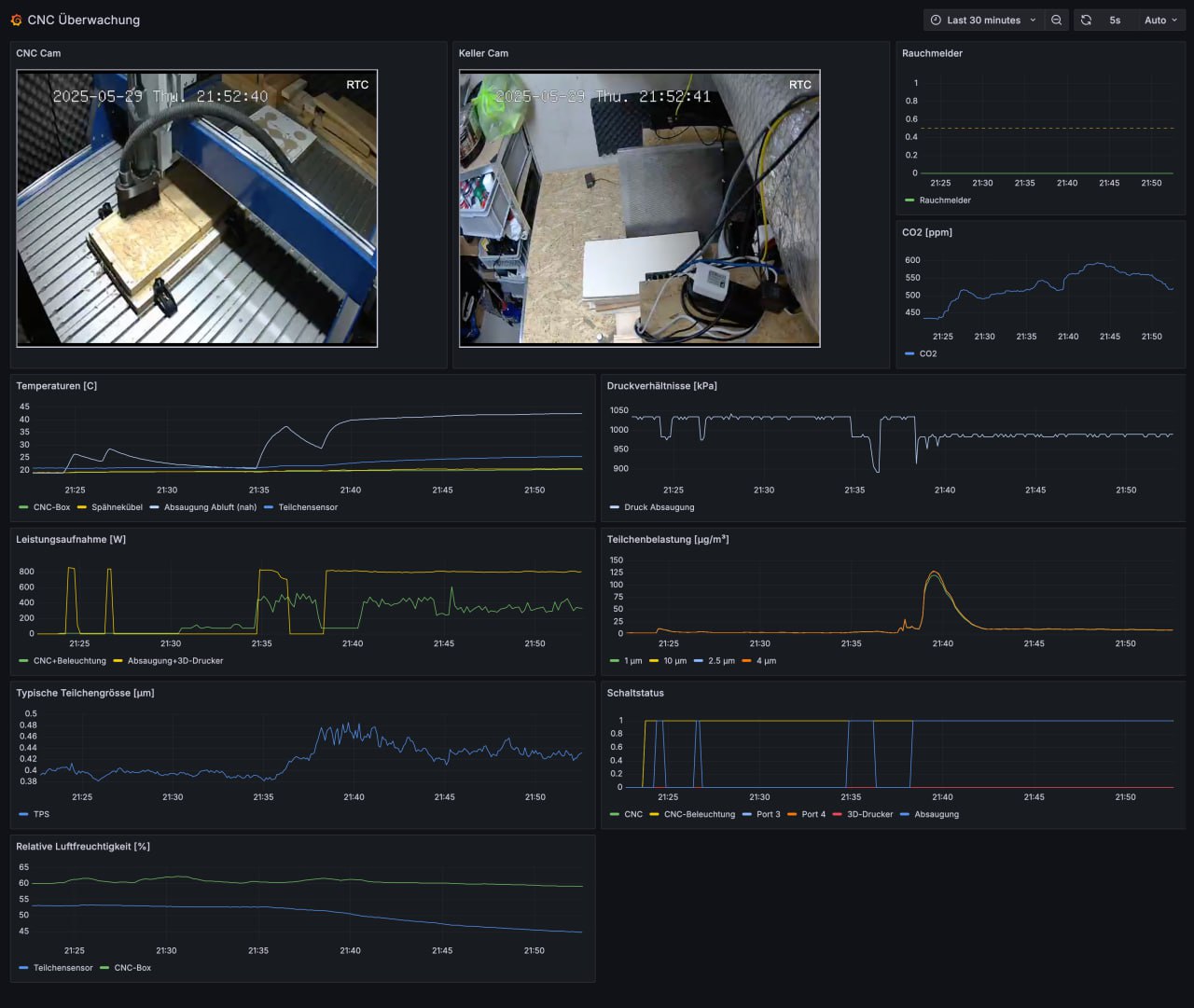
As you can see there are different graphs. In no particular order:
smoke detector (boolean 0 or 1) inside the CNC box, as well as outside above the vacuum cleaner but that one is not shown here
CO2 [ppm] in the exhaust of the vacuum cleaner (CO would be smarter here as I learned recently, since CO is the main byproduct of smoldering wood/plastic while CO2 only rises after a significant combustion event has already occurred)
particle density and average size at the exhaust of the vacuum cleaner [µg/m3] - an alternative to CO2 also
pressure inside the suction system [kPa] - if somehow the hose gets clogged the vacuum will overheat, so we need to shut it down
temperatures in CNC box, inside chip bucket, directly at the vacuum exhaust and at the particle sensor
power draw of vacuum cleaner and CNC [W]
typical particle size [µm]
power port status and humidity inside CNC box as well as outside
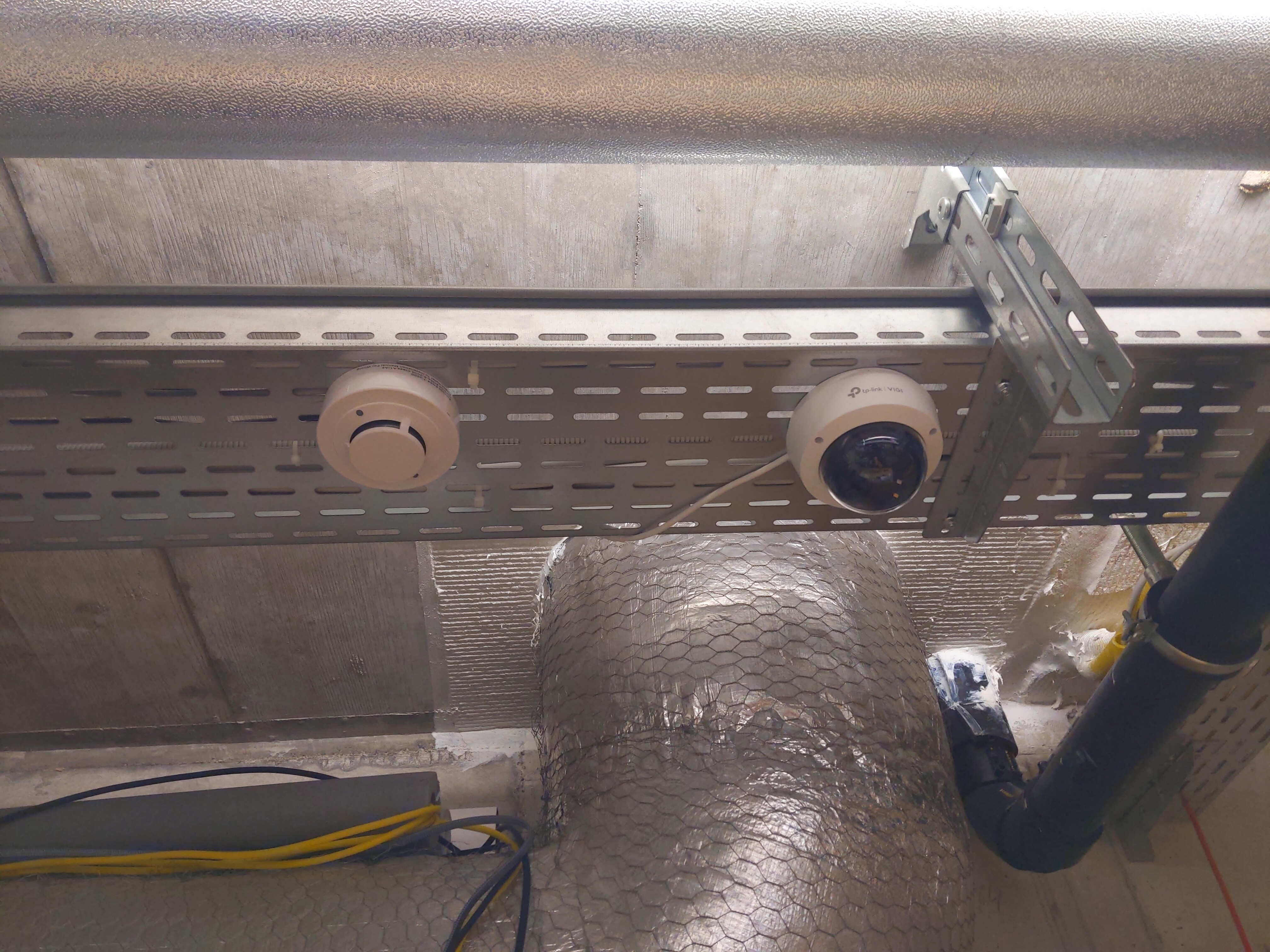
In addition to that two webcam streams, thanks to go2rtc nicely integrated into the Grafana dashboard show the inside of the CNC box as well as the outside.
To facilitate an automatic shutdown I used the alerting rules in Grafana. Those not only allow to define a threshold but also additional conditions such as has to stay above threshold for 10 seconds and should keep firing for 10 seconds once all conditions are fulfilled.
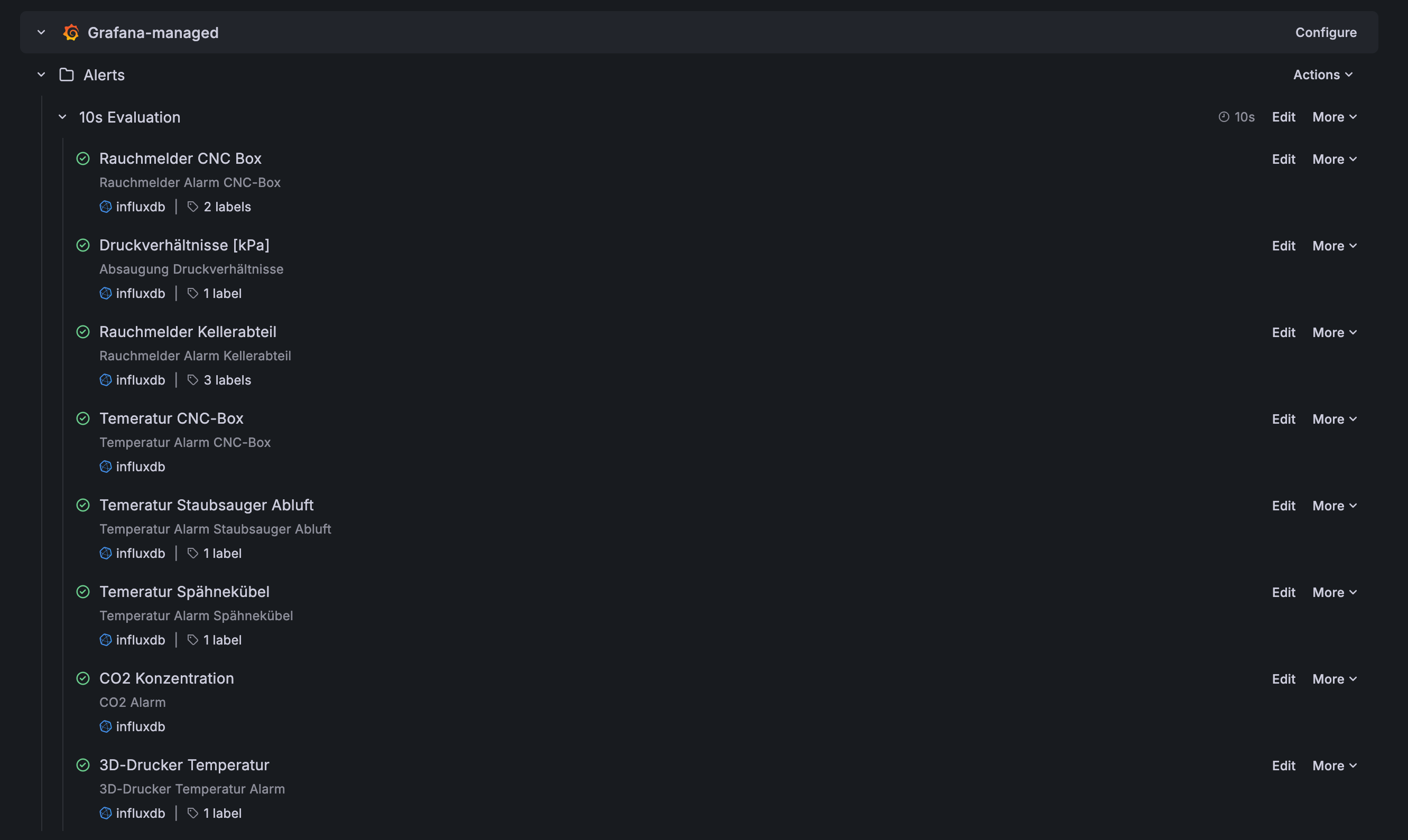
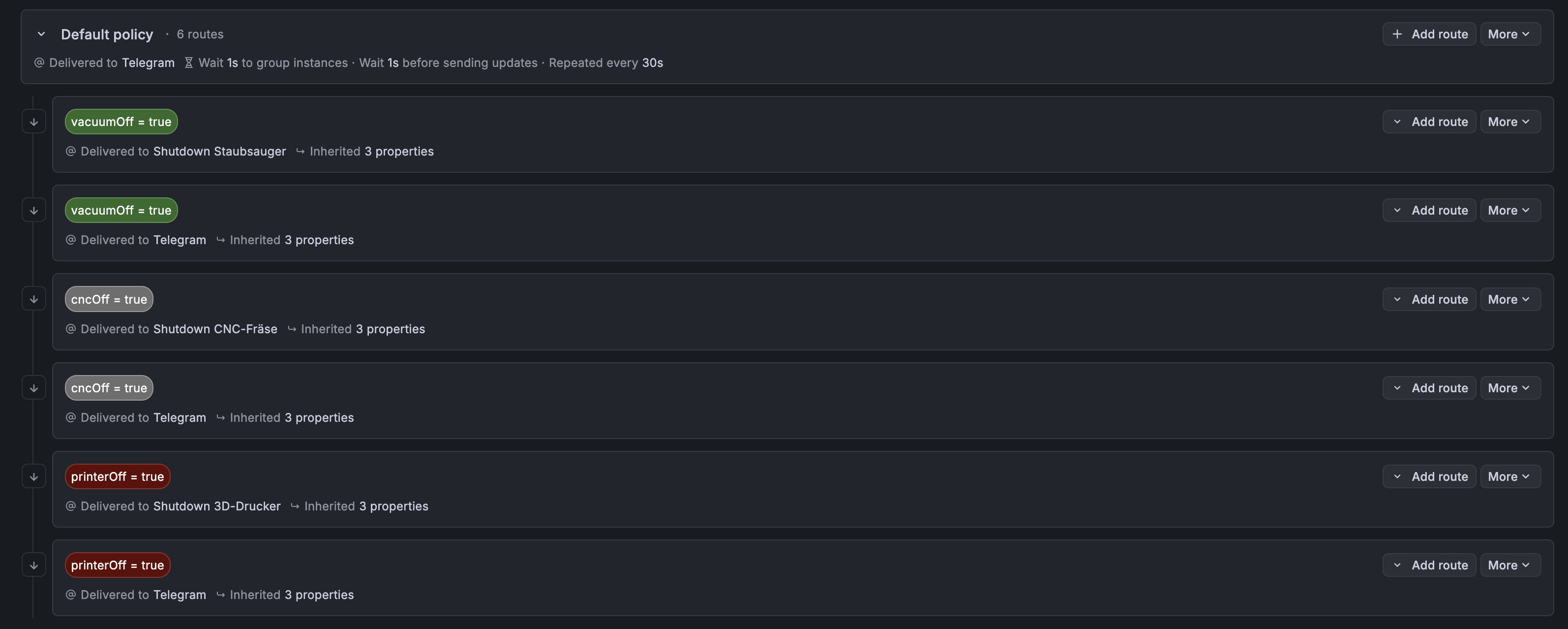
Depening on the alert type the notification policies define what should happen when an alert occurs:
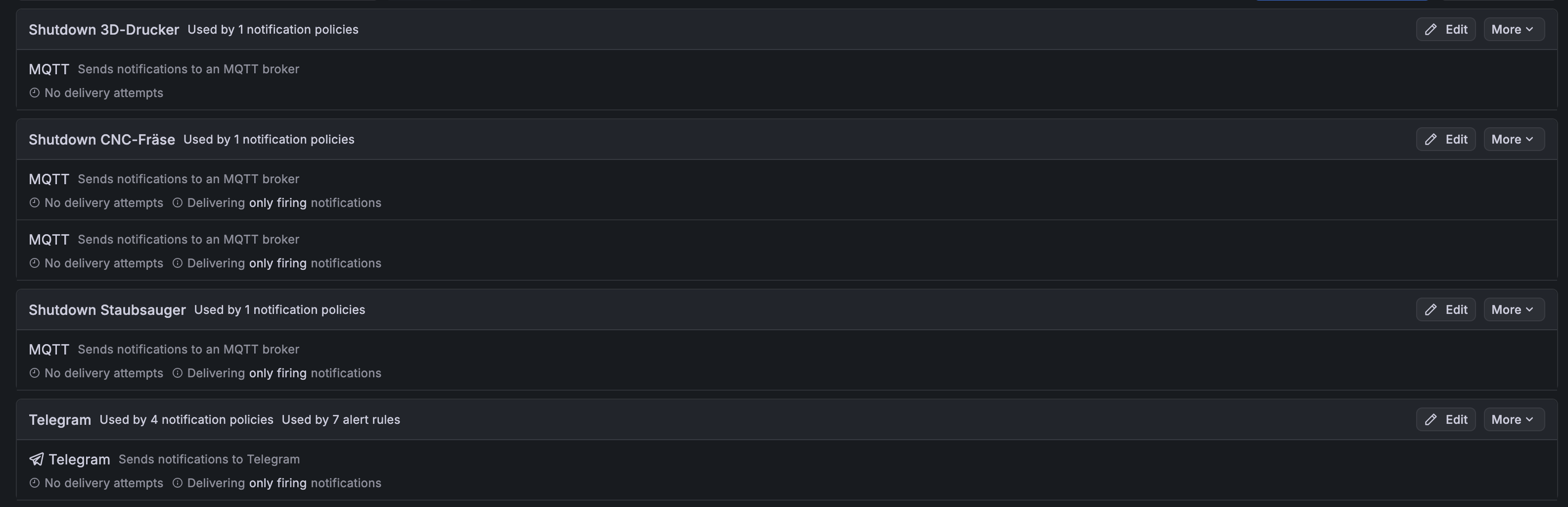
For me this is currently cutting the power to the problematic system through a MQTT message to the power distribution unit if the issue is severe (e.g. raise in CO2 concentration). Unfortunately the CNC control software I use (cncGraF Standard) does not have an API to pause the machine. There is a Modbus TCP add-on available but I am too stingy to spend 1190.- EUR on that, so power cut it is (Note: I mainly mill soft materials and wood, so the momentum of the gantry once a shutdown occurs unlikely damages the spindle). In less severe cases e.g. suction hose clogged only the vacuum cleaner is shut down and the CNC continues operation.
In any case I get a Telegram notification, which is a nice feature that works out of the box in 'Contact points'.
After completion I tested every shutdown condition manually and it all works like charm. Kudos to the Grafana developers for making it such a breeze to set up. Since setting this up a year ago I regularly ran 8 hours long jobs, even one taking 16 hours and luckily so far no shutdown was triggered but several warnings about a clogged suction system that could be resolved easily. Currently the major issue of my system is that the CNC box heats up at about 1 °C / hour, mainly due to the power dissipation of the spindle motor. At an inside temperature of 28 °C a warning is triggered and I usually pause operation for an hour or accept going a little higher in temperature which is probably too conservative but well.
Apart from a few scripts that run the sensor collection and the MQTT-receiver there is not much code I can share with you as most of it is GUI configuration. Just drop me a message if you have any questions. And if you have a better solution to the problem please share it with me :)
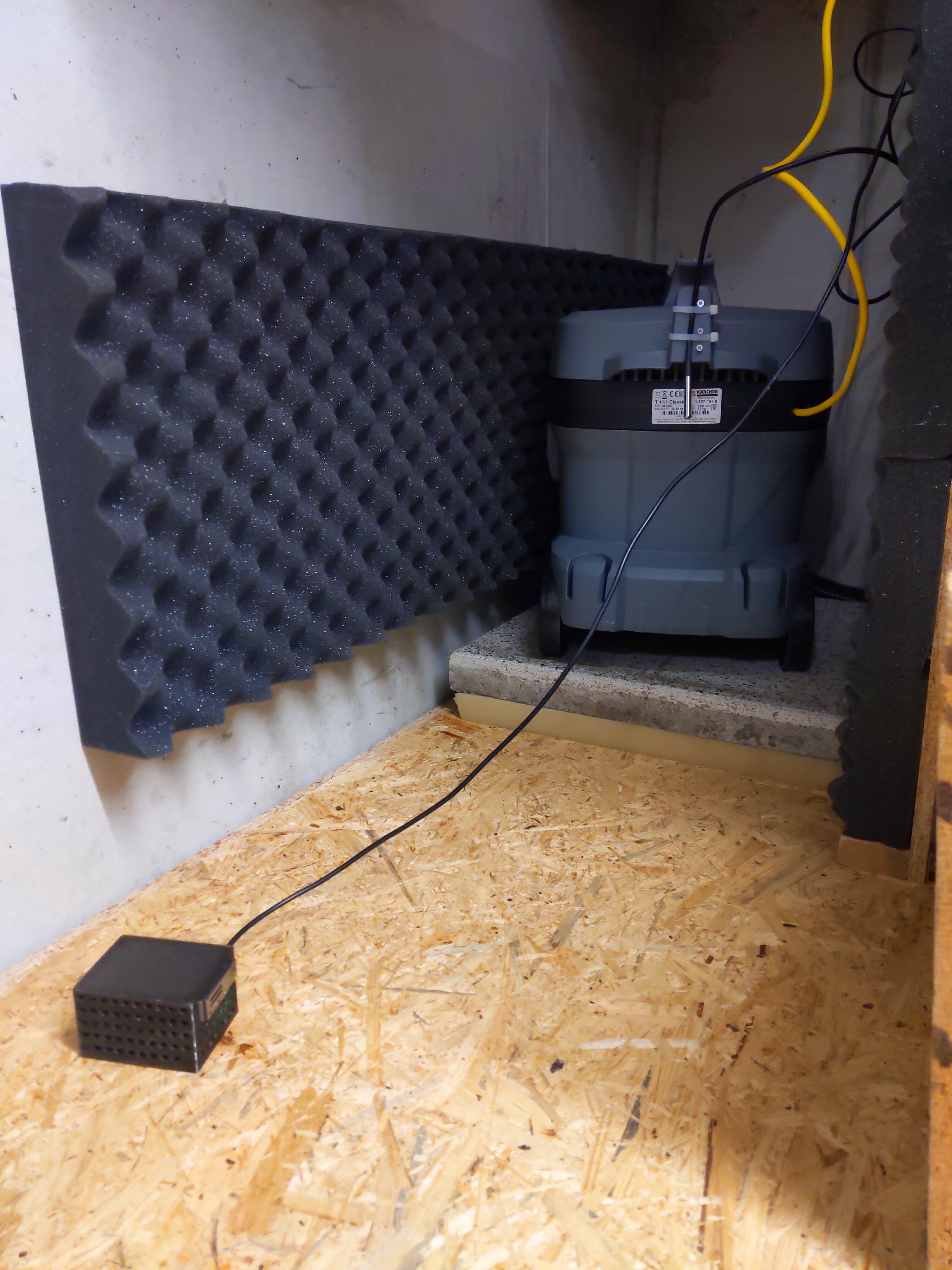
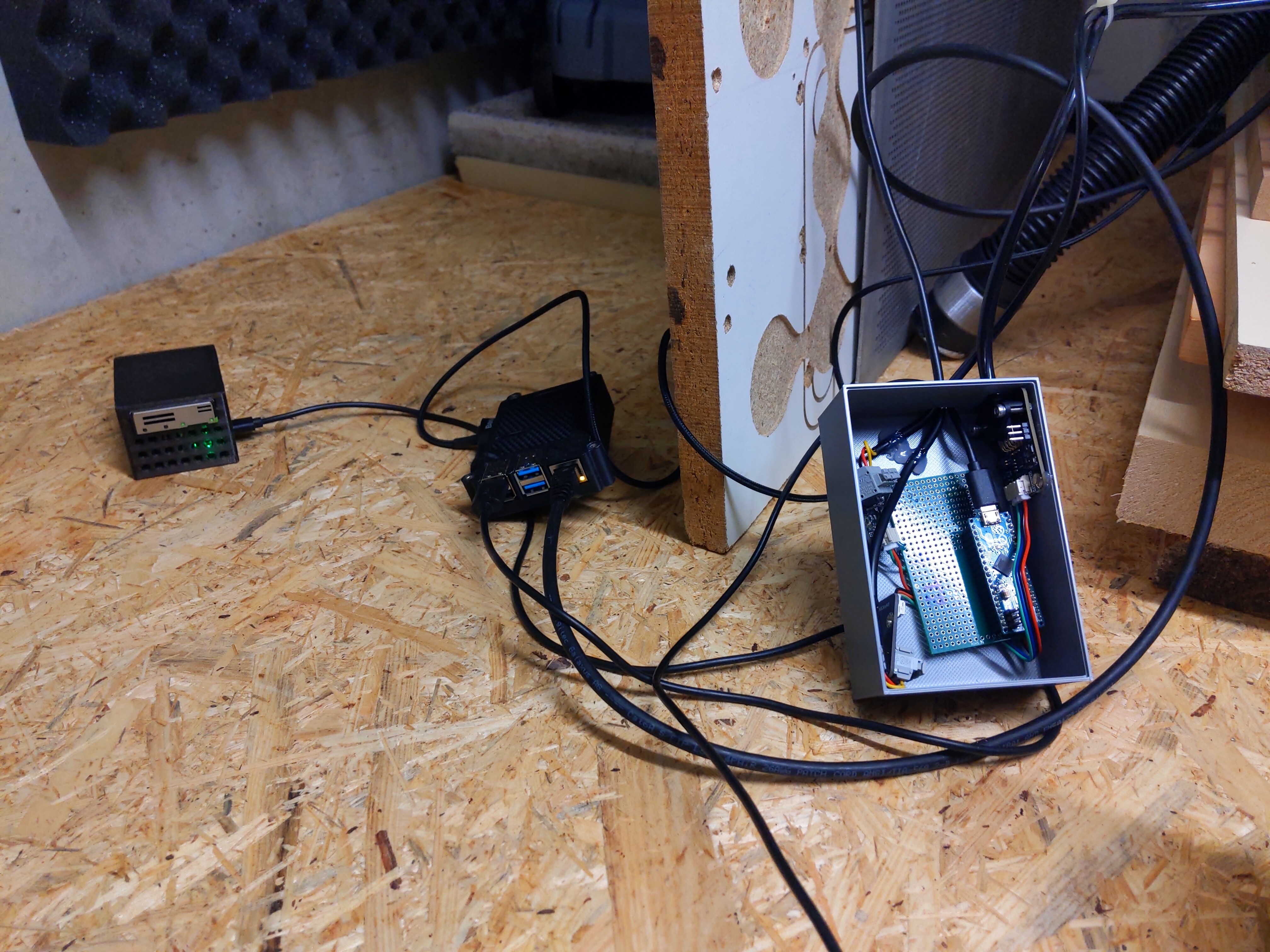
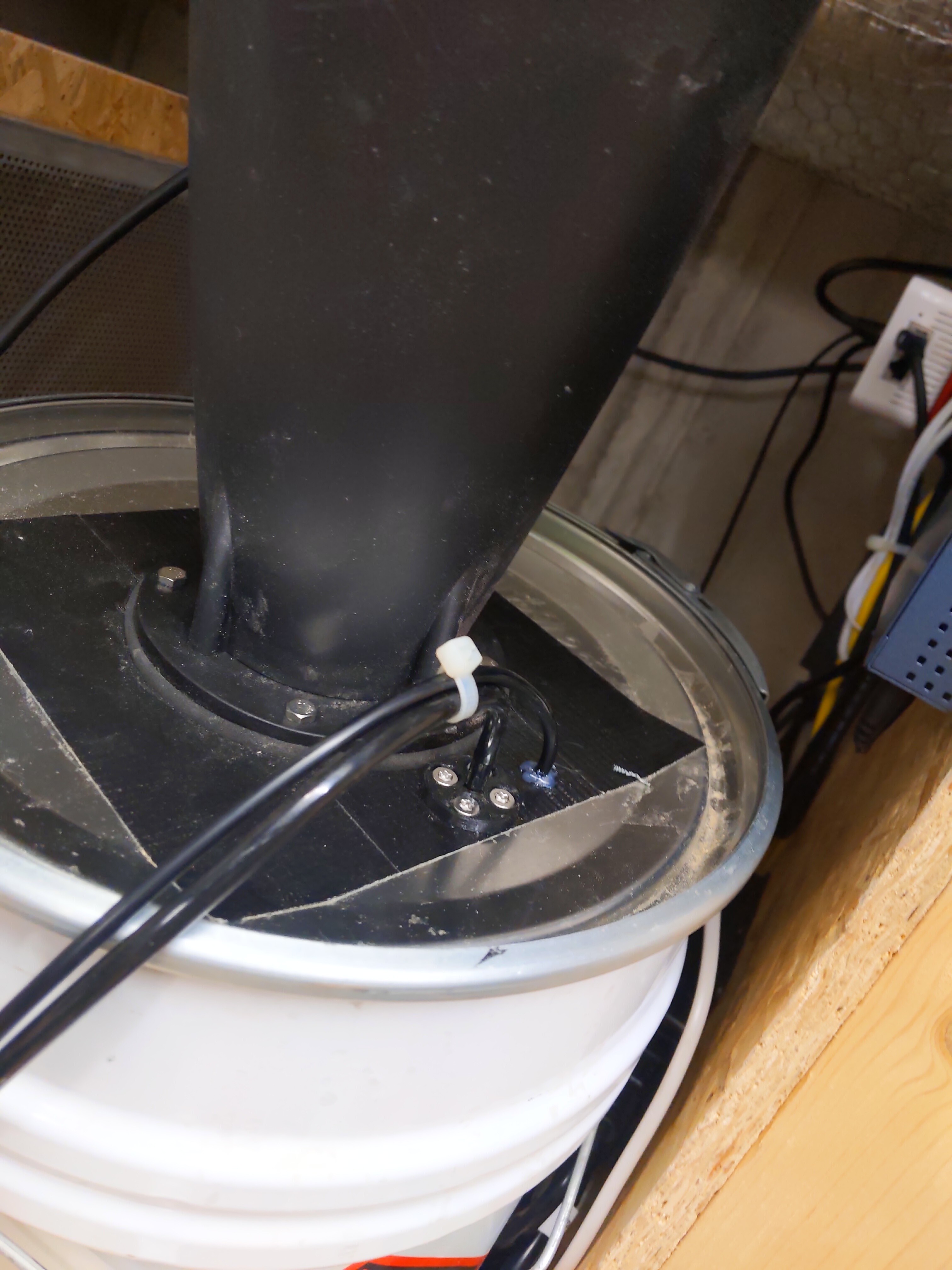
Some pics:
Loved this?
Sign up to follow this builder and never miss an update.

Comments